Rental Property Spreadsheet vs Software: When to Move On
Spreadsheets are useful when you own one rental and remember every payment. They break down when rent, leases, expenses, and tax records start living in different places.
May 23, 2026 - 7 min read
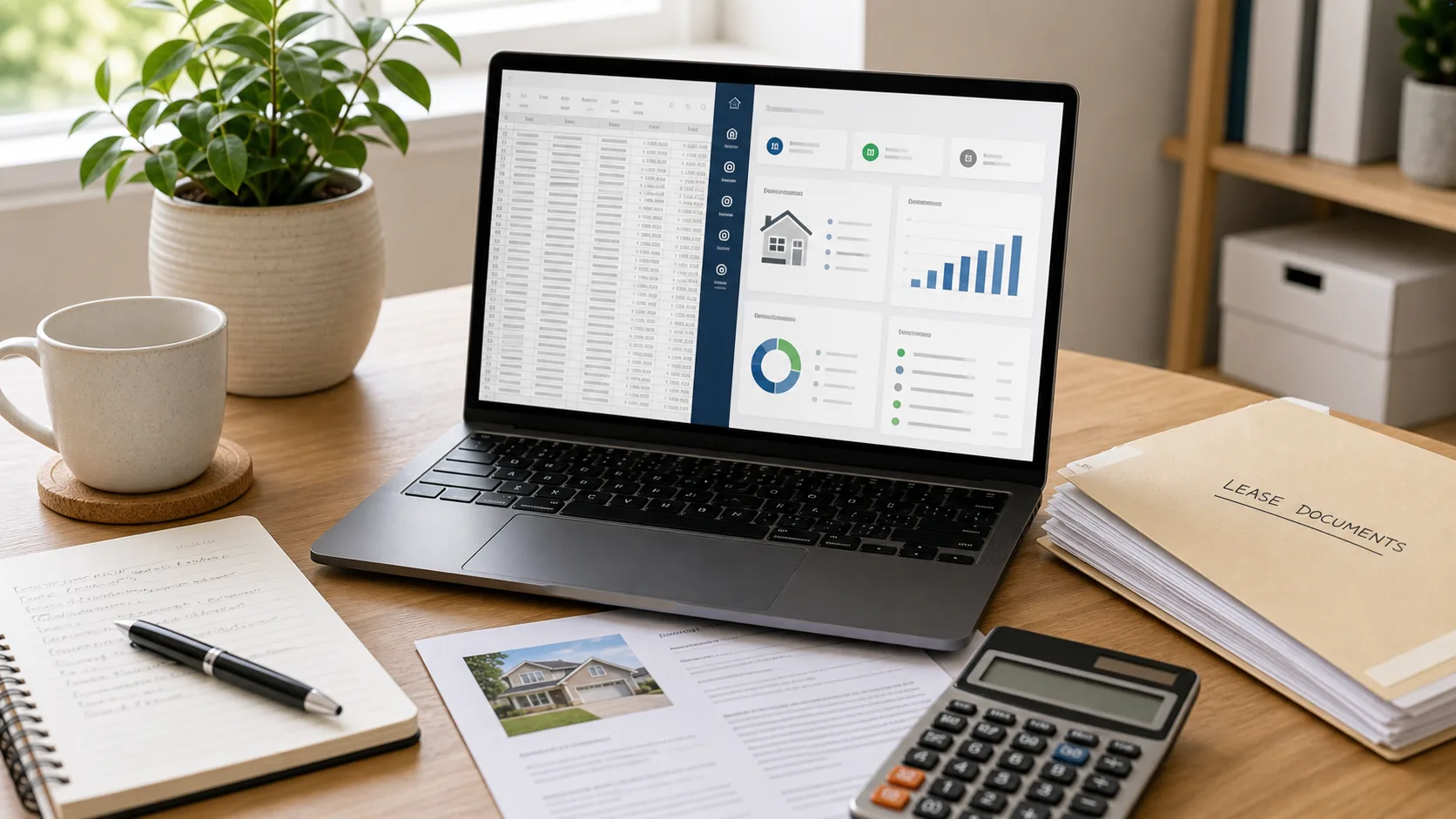
A rental property spreadsheet usually starts as the fastest possible system. One tab for rent, one tab for expenses, maybe a notes column for repairs. For a single property, that can be enough.
The problem is not the spreadsheet itself. The problem is that property management work does not stay inside one table. Rent payments come through the bank, lease terms live in documents, mileage is tracked separately, receipts sit in email, and tax categories get cleaned up months later.
The signs your spreadsheet is doing too much
A spreadsheet starts to strain when it stops being a record and starts becoming a memory aid. If you have to remember which note affects which balance, which tab feeds which report, or which tenant payment was partly rent and partly a deposit, the workbook is carrying more business logic than it appears to.
- You check the bank account to figure out whether rent was paid.
- You need a second spreadsheet to explain the first spreadsheet.
- Late fees, partial payments, and security deposits require manual notes.
- Expense categories are cleaned up only when your accountant asks.
- You cannot see which leases are expiring without filtering rows.
What software should add
Good landlord software should not simply recreate a spreadsheet with a login screen. It should connect properties, leases, charges, payments, expenses, recurring bills, and reports so the system can answer operational questions directly.
That does not mean every landlord needs software immediately. A careful spreadsheet can be the right tool for a small, stable portfolio. The question is whether the workbook still gives you a reliable answer when exceptions show up.
A practical migration path
- Start with active properties and leases, not historical perfection.
- Enter current rent, deposits, lease dates, and grace periods.
- Import or record current-year income and expenses.
- Set recurring expenses for predictable bills.
- Use reports to verify totals against your old spreadsheet before tax time.
Keys In Place is built around this transition point: independent landlords who have outgrown spreadsheet memory but do not need enterprise property management software.